
The Hotliney platform
One link. A complete browser-first call operation.
Create call links, route conversations, answer from the browser, manage your team, review calls, record where enabled, measure performance and use AI where it fits — all from one Hotliney workspace.
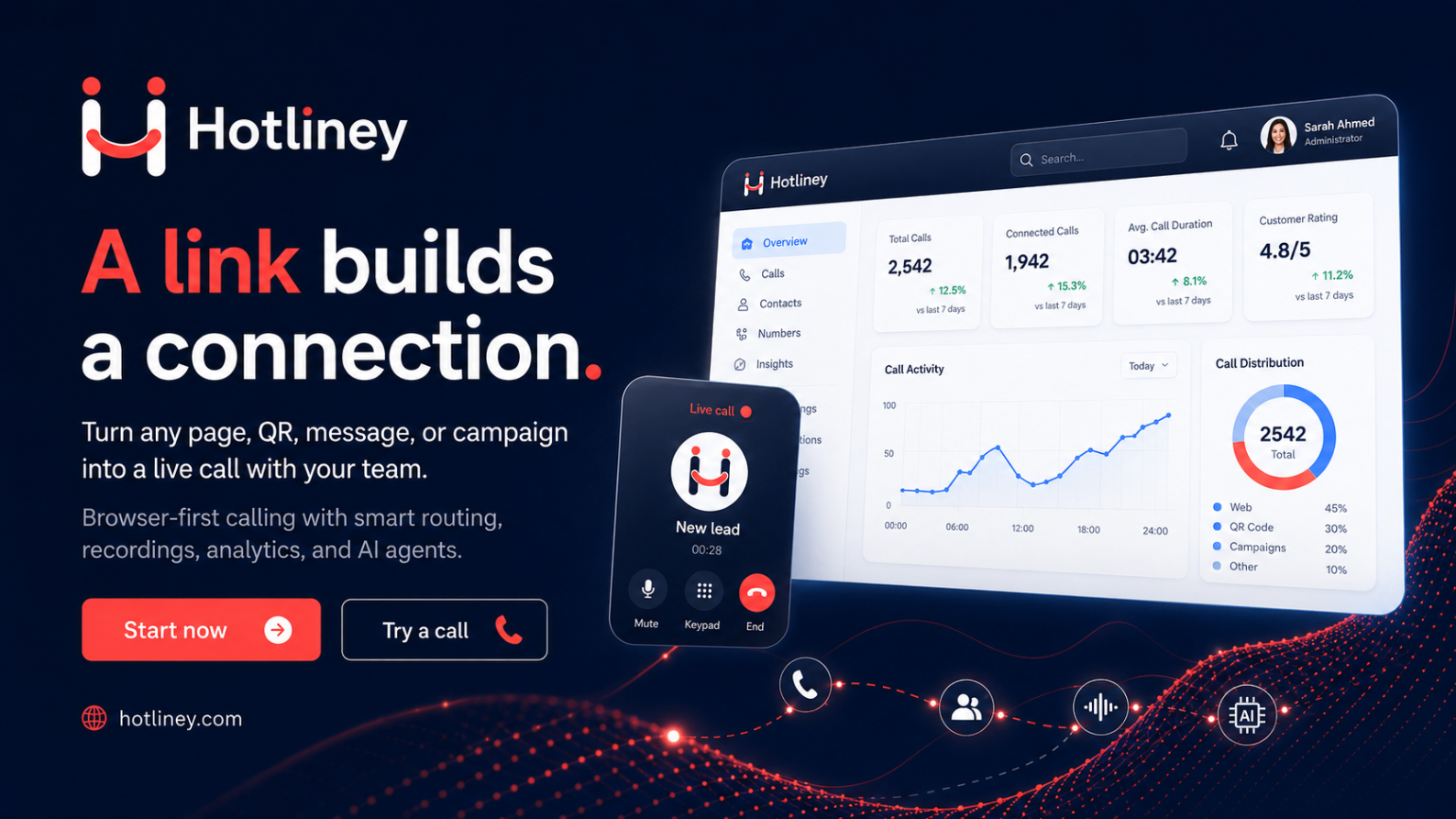
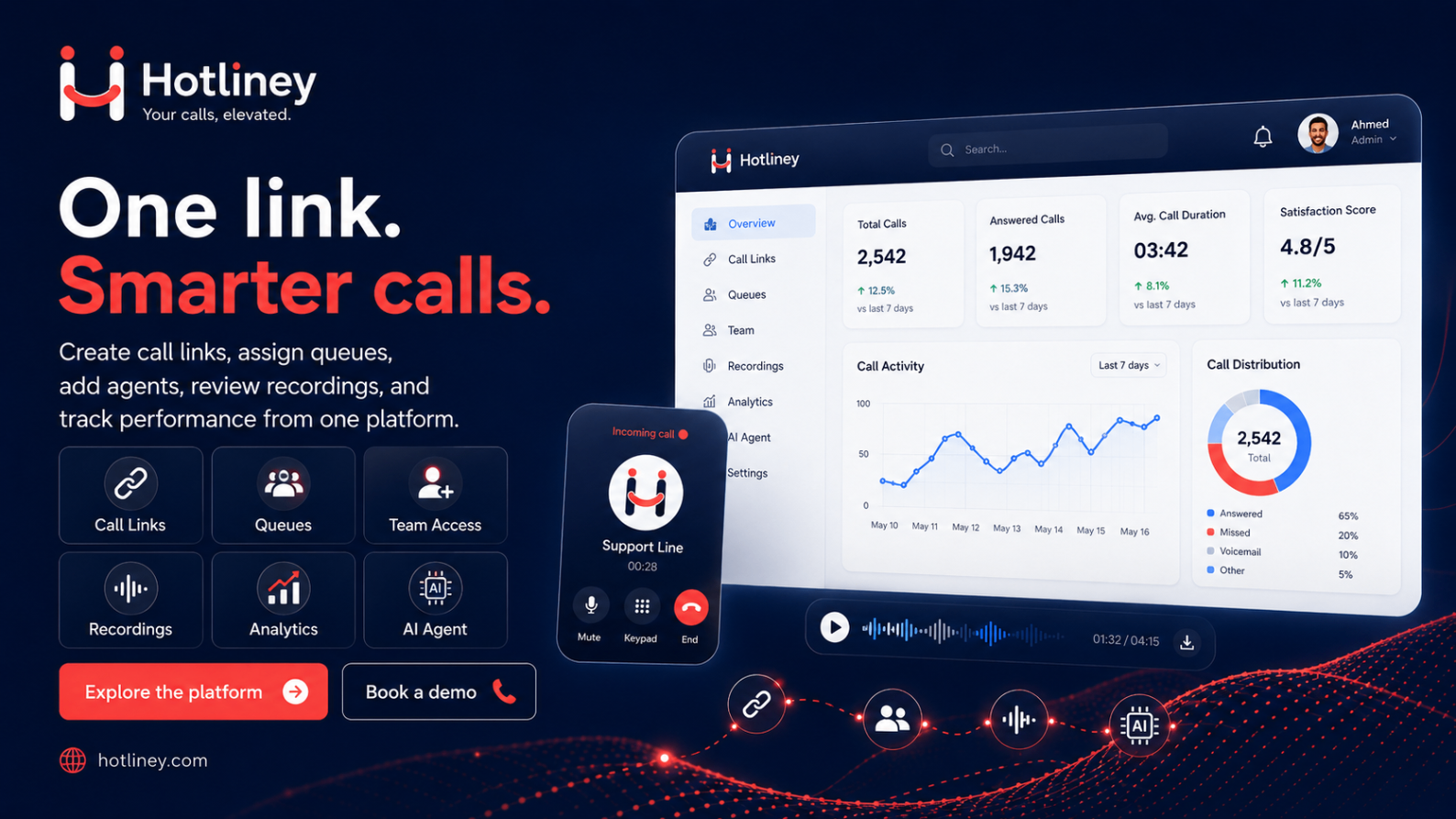
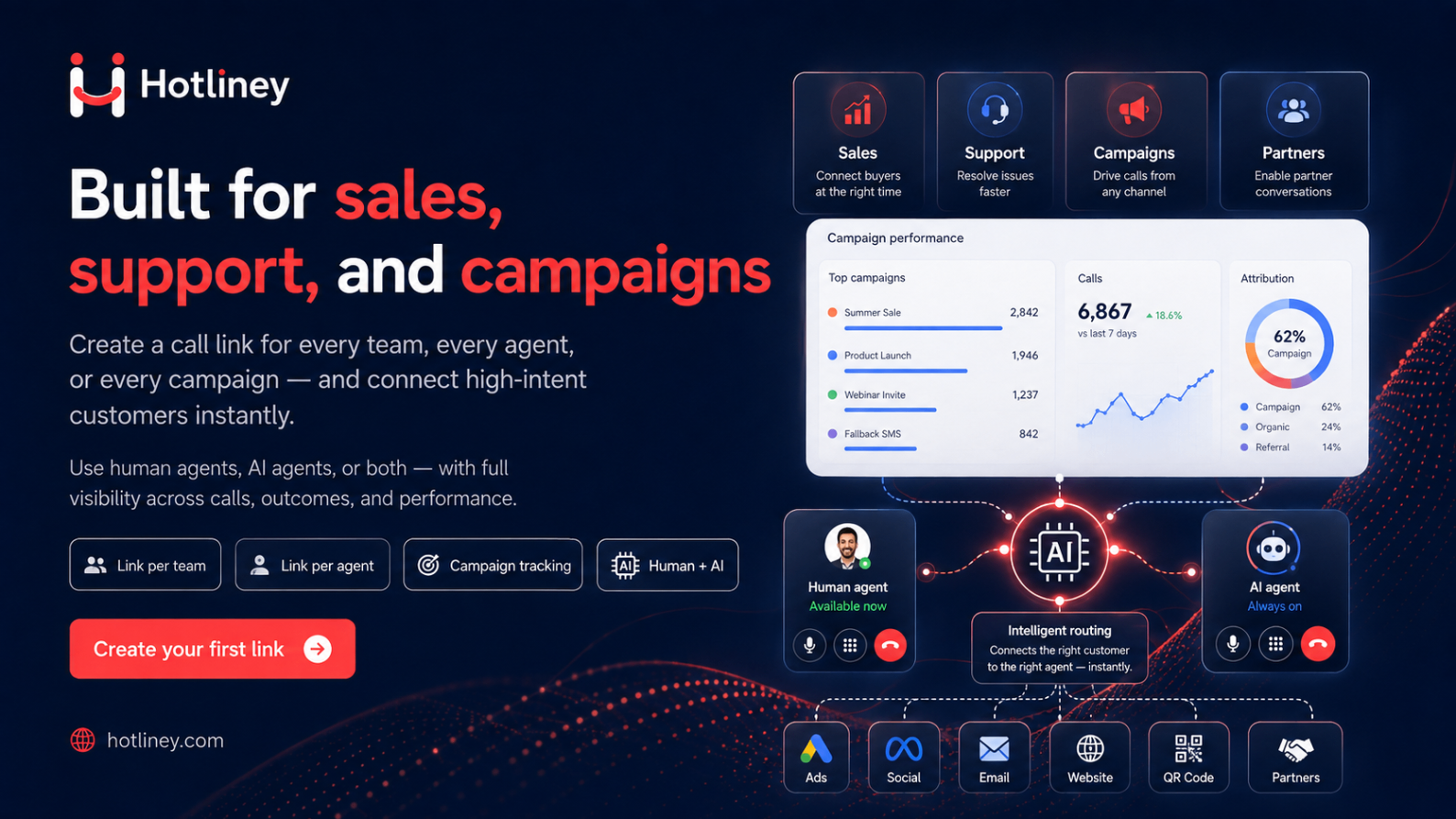
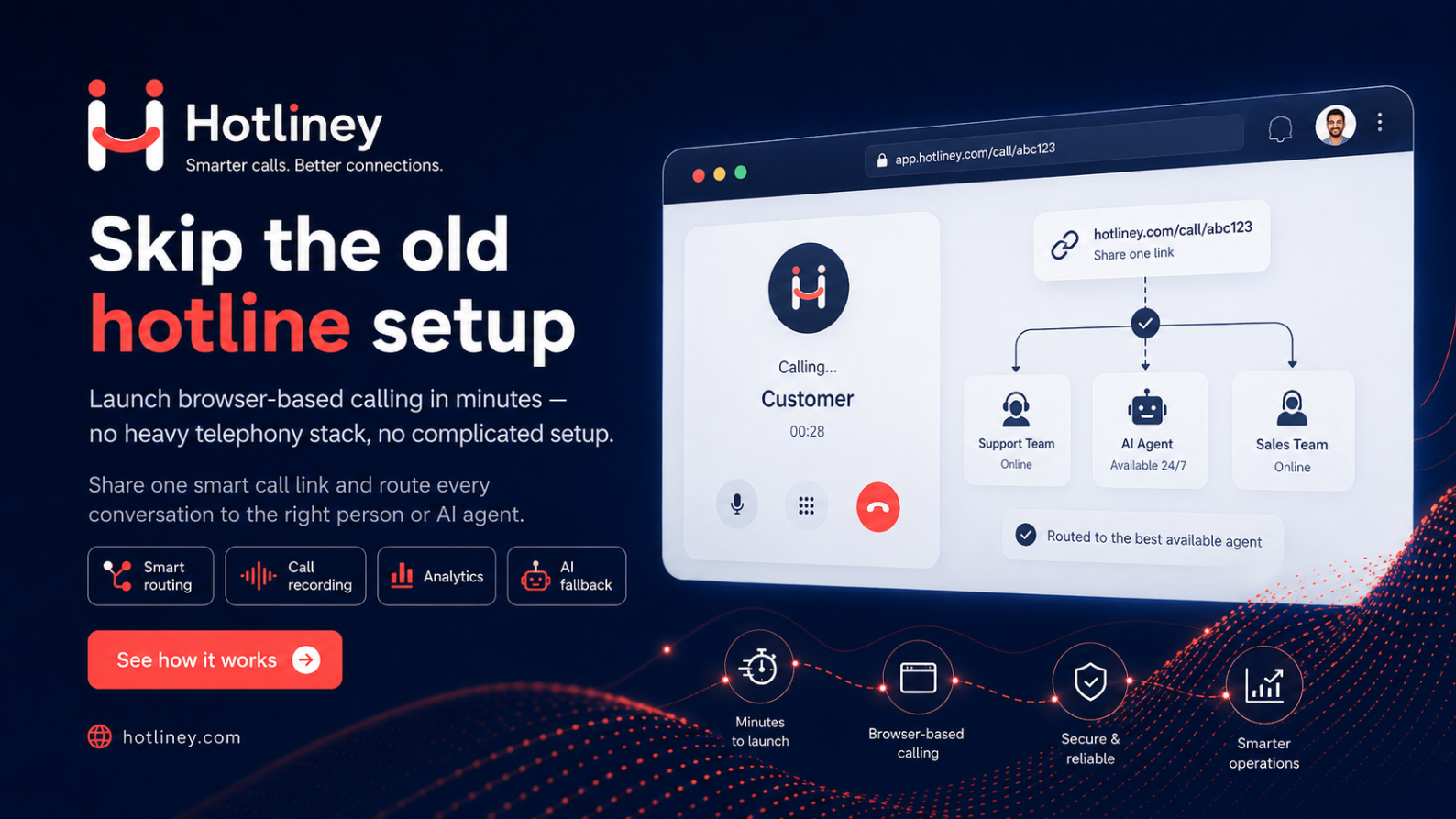
- 01
Create
Call link
- 02
Route
Queue + reason
- 03
Answer
Agent console
- 04
Operate
Team + live calls
- 05
Review
History + recording
- 06
Measure
Analytics
- 07
Automate
AI voice
Inside the product
One workspace for every call, from link to report
These are the same Hotliney screens you get after signing up, filled with a sample store. Names and numbers are fictional.
Layan A.
From product page · Ramadan campaign
AI summary
Asking about sizes for order #1042 and wants to change the delivery address. Asked for a person.
Collected in the call
- Order no.
- 1042
- City
- Riyadh
- Reason
- Order change
Waiting
2
Sales queue
Product screens
The actual screens you will work in
The real Hotliney interface. Names, numbers and statistics are fictional, for illustration only.
Call links you can publish anywhere
A main link for your business, a link per department, a tracking link per campaign or listing, a QR code for print and a widget for your website. Each link carries its own reasons, caller fields and business hours.
| Link | Type | Status |
|---|---|---|
Main hotline hotliney.com/c/hello | Main | Active |
Sales — pricing page hotliney.com/c/sales | Department | Active |
Order help hotliney.com/c/orders | Tracking | Active |
Ramadan campaign hotliney.com/c/ramadan | Campaign | Active |
- QR code
- Website widget
- Call reasons
- Caller fields
- Business hours
- Source & campaign
Three ways to put Hotliney in front of your customer
Add Hotliney to your website the way that fits your customer journey: share the link anywhere, float a calling widget on every page, or embed the call experience inside a page of your site.
Share
A call link for ads, email, QR, social profiles and messages.
Float
A website widget that stays with the visitor on every page.
Embed
The full call experience inline, inside your own page.
Your link. Your customer experience. Your brand.
Upload your logo, choose your brand colour, write the title and description the caller reads, and decide the call reasons and the details you ask for before the call starts.
Talk to our sales team
Answered from the browser — no app, no phone number.
What your customer experiences
No app to install and no number to search for. The customer opens the link, picks why they are calling, allows the microphone and talks to your team from the page they were already on.
How can we help?
Connected
03:42
- Pick a reason
- Allow microphone
- Waiting for the team
- Ringing
- Connected
- Call ended
Queues that decide who answers
Assign team members to a queue, choose how calls are distributed, set business hours and decide what the caller sees when nobody is available.
Queue members
- Ahmed
- Sara
- Layla
- AI voice agents
- Distribution
- Ring all · Round robin · Priority
- Business hours
- Sun–Thu · 09:00–18:00
- When nobody is available
- Clear unavailable message
Everything your employee needs to answer the call.
Your team works from a browser tab: availability, incoming calls with the caller's reason and source, mute and hold during the call, then notes and an outcome at the end.
Sara M.
- Reason
- I need order help
- Queue
- Talk to sales
- Source
- Product page
- Campaign
- KSA Enterprise
- Mute
- Hold
- Notes
- Outcome
More than a voice call.
Your agent can ask for a phone number, an email or an order reference during the conversation. The caller answers on screen, the answer is validated, and it lands in the call details and the contact — without leaving the call.
- Agent asks for a phone number
- Caller types it during the call
- Call details and contact are updated
Agent-initiated during a live call. Automated in-call journeys remain on the roadmap.
See the operation while it is happening
Live operations shows who is available, which calls are in progress, who is still waiting and how long the longest wait has been.
Available team
4
Live calls
2
Waiting
1
Longest wait
00:24
Example data
Remember the customer, not only the call.
When a caller shares a phone number or email, Hotliney keeps a basic contact record: previous calls, the link and source they came from and the latest outcome. Enough context to open the conversation properly — not a full CRM.
- Previous calls
- 3
- First source
- google · ramadan-campaign
- Latest outcome
- Answered
Basic contact context on every plan. Full Customer 360 is included in the higher plans.
Example data
Every call, written down
Call history keeps the caller, link, queue, agent, reason, source, wait time, talk time, notes and outcome. Where recording is enabled for the workspace, the recording is available from the call details with protected access.
- Customer
- Sara M.
- Source
- Product page
- Reason
- I need order help
- Queue
- Talk to sales
- Agent
- Ahmed
- Started
- 10:14
- Answered
- 10:14
- Ended
- 10:18
- Wait time
- 00:18
- Talk time
- 03:42
Recording is a workspace setting: it is available where enabled, not automatically on every call.
Your calls are no longer a black box.
See how many customers called, how quickly your team answered, where customers waited, which links generated conversations and what happened after the call.
Total calls
248
Answer rate
86%
Abandon rate
9%
Unique callers
191
Average wait
00:21
Average talk
04:06
Average handle time
05:12
Missed & failed
12
Calls over time
By queue
- Sales96
- Support78
- Billing41
By link
- /c/sales88
- /c/orders64
- /c/ramadan39
By reason
- Order help71
- Pricing58
- Booking36
Example data
The full platform, grouped by the job
Design the call
- Call reasons
- Pre-call information
- Logo and brand colour
- Page title and description
- Caller language
- Business hours
- Call context
Publish
- Call links
- Department links
- Campaign links
- Tracking links
- QR codes
- Website widget
- Inline embed
- Branded call page
Route
- Queues
- Team assignment
- Availability
- Call distribution
- Team-first with AI backup
- Unavailable behaviour
Answer
- Browser agent console
- Incoming calls
- Caller context
- Ask the caller for details
- Mute
- Hold
- Transfer
- Notes
- Outcome
Operate
- Team presence
- Live calls
- Waiting calls
- Queue activity
- Supervisor end and transfer
- Roles and permissions
Review
- Call history
- Call details
- Collected information
- Contact context
- Notes
- Outcome
- Recording where enabled
- AI transcript and summary
Measure
- Answer rate
- Wait time
- Talk time
- Abandon rate
- Links
- Queues
- Team
- Reasons
- Sources
- Campaigns
Automate
- AI voice agents
- Queue coverage
- Human handoff
- AI call analytics
Go further than calls: the customer operations layer
Growing teams get more than a call log. Recognise the customer, turn a call into tracked work, measure how it felt, and route it the way your business actually runs. Included in the higher plans and switched on with you during onboarding.
Customer 360
Returning callers are recognised on the spot: one unified profile, duplicate review and a full timeline of every call, ticket and survey.
Tickets and SLA
Open a ticket straight from the call, assign an owner, and hold first response and resolution to deadlines calculated on your business hours.
Post-call surveys
Ask a short set of questions the moment the call ends, and read the score beside the call record, the agent and the campaign that produced it.
Call journeys
Design the path a call should take in a visual builder, version it, dry-run it, and hand it to your team with full control over every step.
What each team gets out of it
Your customer
No app, no number to search for, and a direct path to the right team.
Sales
Let high-intent visitors talk now, and know which page or campaign started the conversation.
Customer service
Route each reason to the right team and reduce what the customer has to repeat.
Operations
Watch queues, waiting calls and team availability as they happen.
Marketing
Connect campaigns to actual calls and compare sources by conversations, not only clicks.
Management
Understand call volume, answer rate, waiting time and outcomes.
Open your first call link today
Create a workspace, add a queue, publish a link and take your first browser call.
Experience Hotliney, not a simulation.
Start a real browser call without leaving this page — no app, no phone number. Your browser only asks for microphone access when you press start. Depending on availability, our team or Kareem, our AI Sales Advisor, answers.

Choose what you want to discuss — it travels with the call:
The Hotliney hotline
Real browser call · No app · Stay on this page
- 1The call starts on this page
- 2Allow the microphone once
- 3Our queue rings the available team
- 4If nobody is free, Kareem — our AI Sales Advisor — may answer, depending on availability
What your agent sees
- Source
- hotliney.com website
- Campaign
- talk_to_hotliney
- Reason
- How Hotliney works
- Queue
- Sales queue
You choose what to share before the call. If Kareem answers, you are speaking with Hotliney’s AI Sales Advisor.

Want this on your website?
It opens in its own page with our branding, so you keep your place here.
Outcomes, not just calls
Every call can end in a business result.
Voice plus questions, choices, information, links and routing in one conversation — so a visitor becomes an order next step, a booking request or a qualified opportunity.
- Visitor
- Conversation
- Understanding
- Personalised options
- Action
- Outcome
Static form
- Same questions for everyone
- No value to the visitor until someone calls back
- Cannot explain a confusing answer
- Submit and wait
Interactive call
- Next question follows the last answer
- Explains while collecting details
- Shows tailored choices and sends the right link
- Talk, understand, decide and act
What your business gains
- More qualified opportunities with context
- Less repetitive explanation for staff
- Campaign source kept on every call
- AI and people share the load
What your customer gains
- Immediate answers, no app to install
- No international call needed
- Options visible on screen during the call
- Faster path to the right person
Interactive calls
Not just a voice call. The call itself becomes interactive.
While you talk, your team or AI agent can put a question, a choice or a link on the customer’s screen. The customer answers with a tap, the answer arrives instantly, and the conversation carries on from it.
- Ask questions and yes/no confirmations
- Text fields for order numbers, emails or phone numbers
- Choices the customer picks with one tap
- Collect contact details and structured customer data
- Show prices, steps or details during the call
- Send links to pages, files or next steps
- Send a payment link while you talk
AI agents use them too: the AI asks, reads the customer’s answer, and continues the conversation — or brings in the right person.
See how calls work
The customer taps call. The AI agent answers by voice.
1/6 · Voice call