
Feature library
Everything Hotliney can do today
Ten capabilities that matter, grouped the way a call actually moves: entry, routing, answering, live operations, post-call and analytics. Nothing on this page is a roadmap item.


Call entry
- Call links
- Tracking and campaign links
- QR calling
- Website widget
- Inline website embed
- Branded call page with your logo and colour
- Caller reason menu
- Caller fields you choose

Routing
- Queues
- Call reasons
- Agent availability
- Business hours
- Answering policy per queue
- Team first with AI backup
- Fallback when nobody answers
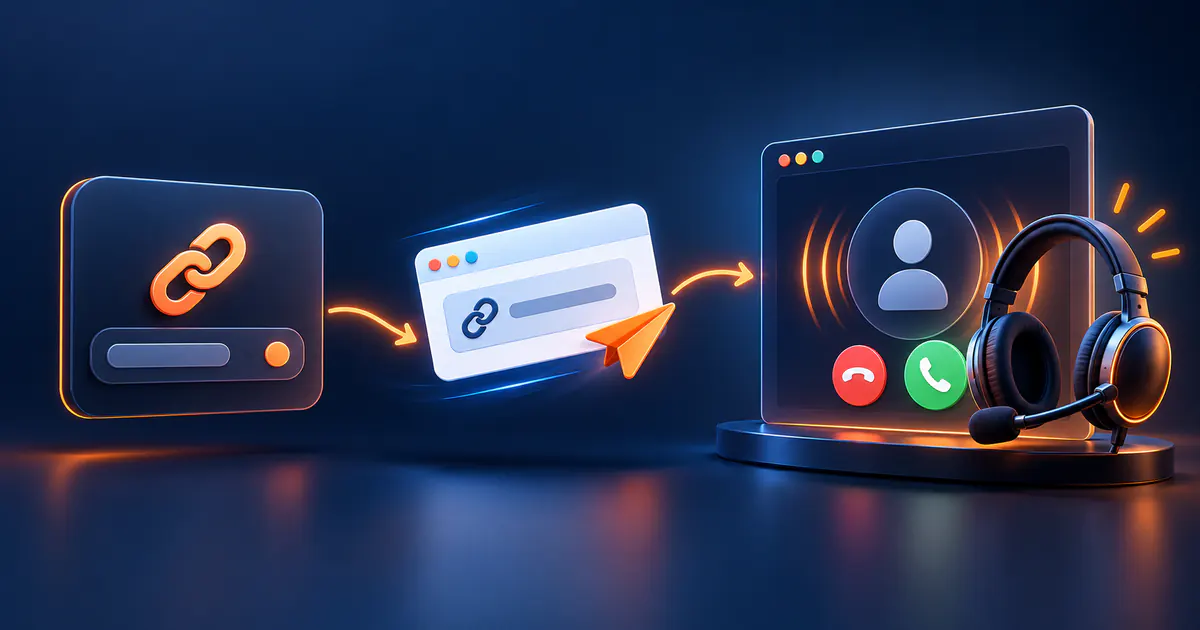
Agent experience
- Browser agent console
- Incoming call context
- Returning caller context
- Ask the caller for a phone, email or reference during the call
- Presence and breaks
- Mute and hold
- Transfer between team and AI
- Wrap-up notes and outcome

AI voice agents
- AI agent builder
- Instructions and knowledge
- Voice and language
- Queue assignment
- AI backup for unanswered calls
- Post-call transcript and summary

Live operations
- Live calls board
- Waiting calls
- Team presence
- Supervisor end call
- Supervisor transfer
- Call duration limits
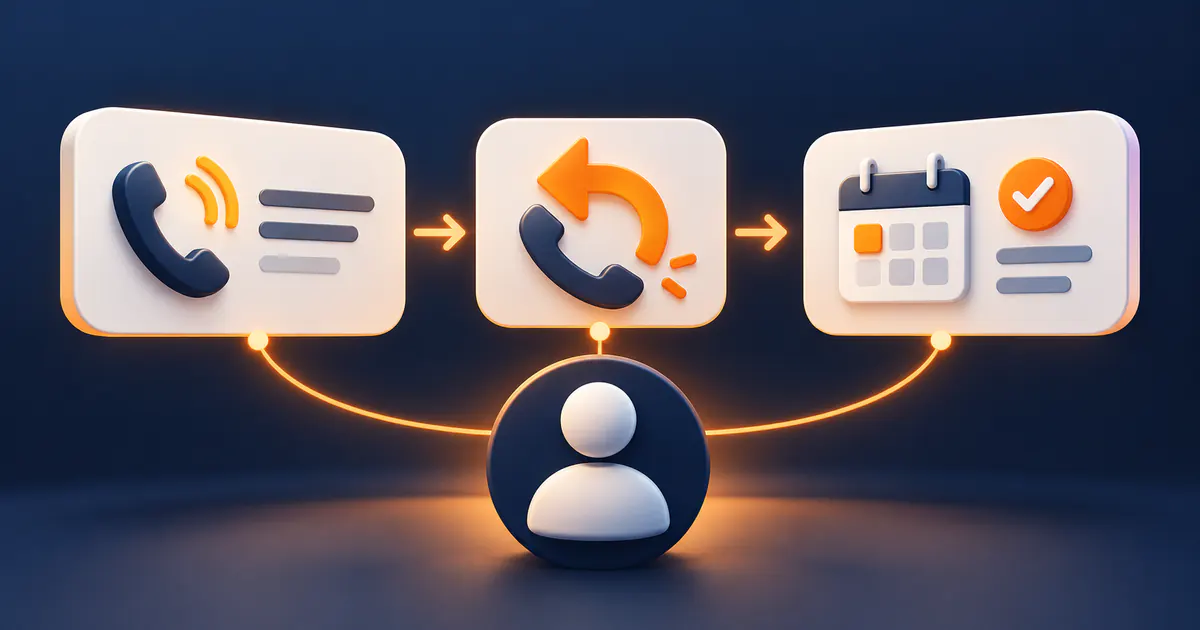
After the call
- Call history
- Call detail timeline
- Information collected during the call
- Basic contact context
- Recording where enabled
- Transcript for AI calls
- AI summary
- Outcome and notes
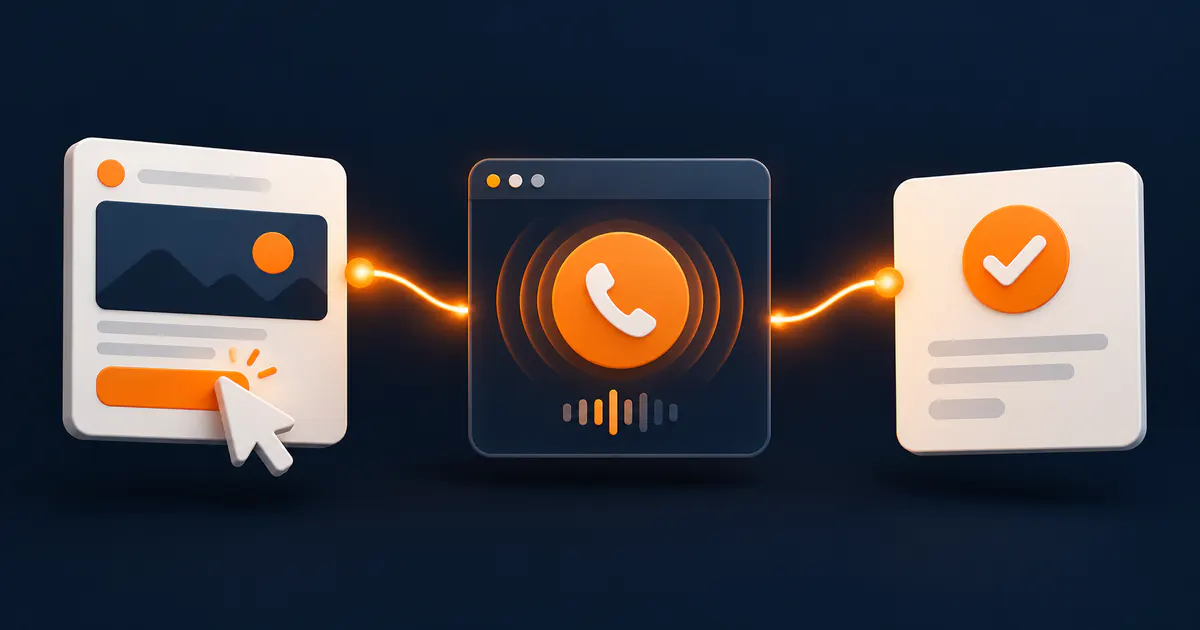
Analytics & attribution
- Answer and abandon rate
- Waiting and talk time
- Calls by link, queue and agent
- Calls by reason
- Source and campaign attribution
- AI calls and AI minutes
Availability also depends on your plan entitlements.
Exactly where each feature stands
What works today on every plan, what depends on your plan, what you switch on yourself, and what has not shipped yet.
Status last reviewed:
- IncludedWorks in every plan, including the trial.
- Depends on planIncluded or limited according to your plan — see Pricing.
- Needs setupAvailable, but you switch it on or configure it first.
- Coming laterOn the roadmap. Not available yet and not promised by date.
Call entry
- Call linksIncluded
- QR callingIncluded
- Tracking and campaign linksDepends on plan
- Website widget and inline embedNeeds setup
- Your logo and colours on the call pageDepends on plan
- Custom domainDepends on plan
Routing and answering
- Queues and call reasonsIncluded
- Business hours and answering policyNeeds setup
- Browser agent console (mute, hold, transfer, notes)Included
- Callback form when nobody answersIncluded
- Simultaneous callsDepends on plan
AI voice agents
- AI voice agent answeringDepends on plan
- Instructions, knowledge and voiceNeeds setup
- AI call minutesDepends on plan
After the call
- Call history and timelineIncluded
- Call recordingNeeds setup
- Recording retention periodDepends on plan
- Recording downloadDepends on plan
- Core analytics and source attributionIncluded
- Advanced analyticsDepends on plan
On the roadmap
- Customer 360 profileComing later
- Call journey builderComing later
- Advanced automationComing later
- Tickets and SLAsComing later
- WhatsAppComing later
Exact limits per plan are listed on the pricing page.
Beyond Hotliney
Phone numbers, existing hotlines, SIP, outbound dialling and omnichannel setups are not part of Hotliney. If you need them, the Growth Team scopes them with you separately.
Create this call link today
Publish a link, choose who answers, and take the first call in your browser.
Experience Hotliney, not a simulation.
Start a real browser call without leaving this page — no app, no phone number. Your browser only asks for microphone access when you press start. Depending on availability, our team or Kareem, our AI Sales Advisor, answers.

Choose what you want to discuss — it travels with the call:
The Hotliney hotline
Real browser call · No app · Stay on this page
- 1The call starts on this page
- 2Allow the microphone once
- 3Our queue rings the available team
- 4If nobody is free, Kareem — our AI Sales Advisor — may answer, depending on availability
What your agent sees
- Source
- hotliney.com website
- Campaign
- talk_to_hotliney
- Reason
- How Hotliney works
- Queue
- Sales queue
You choose what to share before the call. If Kareem answers, you are speaking with Hotliney’s AI Sales Advisor.

Want this on your website?
It opens in its own page with our branding, so you keep your place here.
Interactive calls
Not just a voice call. The call itself becomes interactive.
While you talk, your team or AI agent can put a question, a choice or a link on the customer’s screen. The customer answers with a tap, the answer arrives instantly, and the conversation carries on from it.
- Ask questions and yes/no confirmations
- Text fields for order numbers, emails or phone numbers
- Choices the customer picks with one tap
- Collect contact details and structured customer data
- Show prices, steps or details during the call
- Send links to pages, files or next steps
- Send a payment link while you talk
AI agents use them too: the AI asks, reads the customer’s answer, and continues the conversation — or brings in the right person.
See how calls workThe customer taps call. The AI agent answers by voice.
1/6 · Voice call